You can access the V1 editor by following these instructions: 
- Go into your funnel page editor.
- Once there, take a look at the URL at the top of the window. Find the part with a “_v2” (no quotes) and remove it.
- Hit ENTER.
- You’ll be sent to Editor V1.
Example:
Change URL:
https://user-app.clickfunnels.com/pages/50967555/editor_v2?optin=true&sales=true
To:
https://user-app.clickfunnels.com/pages/50967555/editor?optin=true&sales=true
When needed you can switch back to v2 editor by adding back the “_v2” to the URL.
Why would you need editor v1?
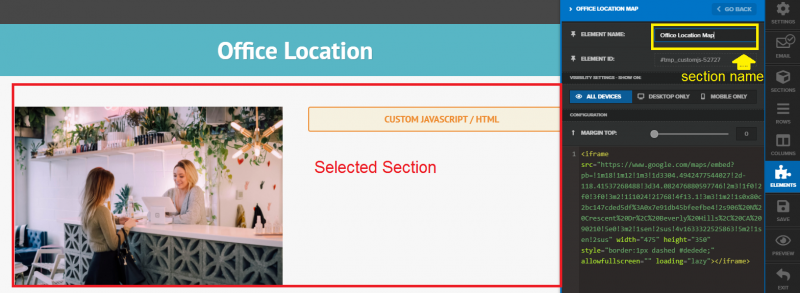
If you creating a template which page parts you want to reuse (save different sections of it) it is useful to rename those sections (in version 1) to meaningful names so when you save them (in version 2) they will automatically have those assigned names.
Example: